Girl ScoutsJuniorGrades 4-5
Cybersecurity 2: Safeguards
Lock down your online identity
Make a safe username, build a password and watch a weak one get cracked in CryptoLab, sort what to share from what to keep private, and learn who to trust online. Covers all five steps of the Junior Cybersecurity 2: Safeguards badge.
- Time
- About 75 minutes, in one or two sittings
- Steps
- 5 badge steps, 1 of them in CryptoLab
- You need
- A computer or Chromebook with a keyboard. Printing is optional: every step works on screen. No account needed.

Badge requirements: the 5 steps
- 1Create and protect a usernameRead and quizA username is the name other people see in a game or app. A good one is fun, and it does not tell strangers who you really are.
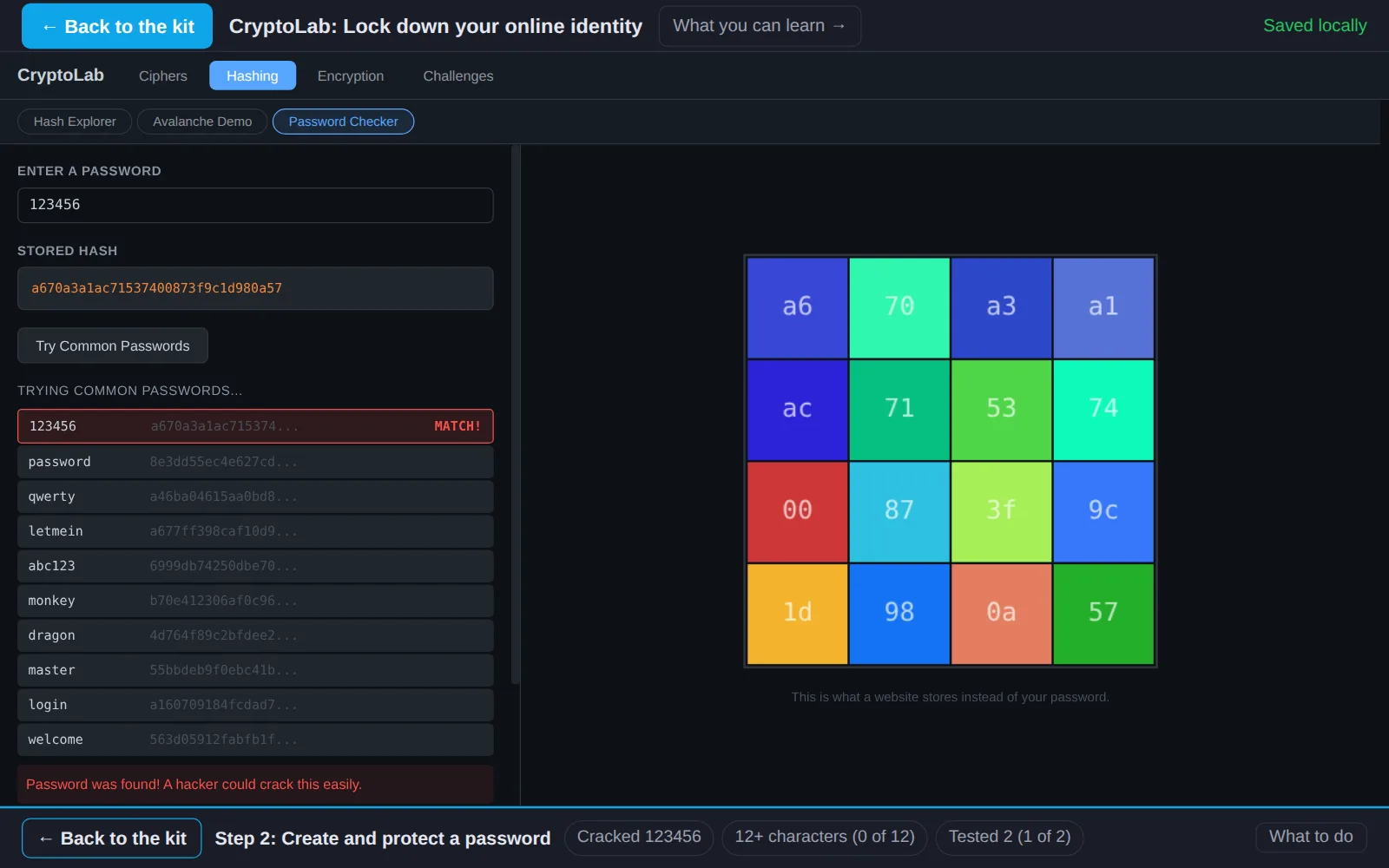
- 2Create and protect a passwordIn CryptoLabA password is the key to your account. Hackers have lists of the passwords people use most and try them all in seconds. See it happen in CryptoLab, then build one that holds up.
- 3Discover how you share information and what to shareRead and sortYou share information all the time: in games, chats, videos and posts. Some of it is fine to share. Some of it should stay private.
- 4Find out how information online can last foreverRead and quizOnce something is online, you cannot be sure it is gone, even after you delete it.
- 5Find out who is trustworthy onlineInvestigateOnline, people can pretend to be anyone. Investigate each message below and decide whether to trust it.
Work on a computer. The apps need a keyboard and a bigger screen than a phone: a laptop, desktop or Chromebook. You can pay here and open the emailed link on the computer.
One scout
Unlock the kit, $5
- All 5 steps, worked on screen, with a lesson you can print if you like paper
- CryptoLab activities that check the work as it is done
- A numbered certificate with a page of the scout's own work: your username, your password rules, your sharing rules and your notes
Have a discount code?
Leaders: unlock it for the whole troop
One payment and one code. Each scout types the code to unlock the kit on their own computer, and gets their own certificate at the end. Your pack page shows who has started and finished.
See a sample certificate (PDF) · Already paid? Find your link
Girl Scouts badge names and steps are used with permission of Girl Scouts of the USA. This kit is made by MYTEK Lab; the badge is awarded by the troop.