Students made every one of these.
Same platform, same login. Every tile is a different tool, and a student who uses one has all of them.
A creative technology lab for ages 8 to 18 and beyond
mytekDev, where students develop.
AI can write the code now. What it cannot do is give a student the confidence to open something up, work out how it runs, and build something of their own.
That is the part we teach: games, music, animation, 3D, circuits, robots, and yes, code.
One place, any browser, nothing to install. Free to start, no credit card.
Who makes this
mytekDev is made by Stephen Souders, who has taught for more than 17 years: six years teaching young adults and adults in college, then more than 11 years teaching technology to kids. It is also made by MYTEK Lab, which has taught grades 3 to 12 in live, instructor-led classes since 2015: first circuits and games through college-prep computer science and Cisco cybersecurity certification.
Every tool here was built for those students first. They use it in class every week, they say what confused them, and that is what gets fixed next.
Same platform, same login. Every tile is a different tool, and a student who uses one has all of them.
Every one has a page of its own: what a student does, what they are learning while they play, and how to tell whether it landed. Most open with no account.
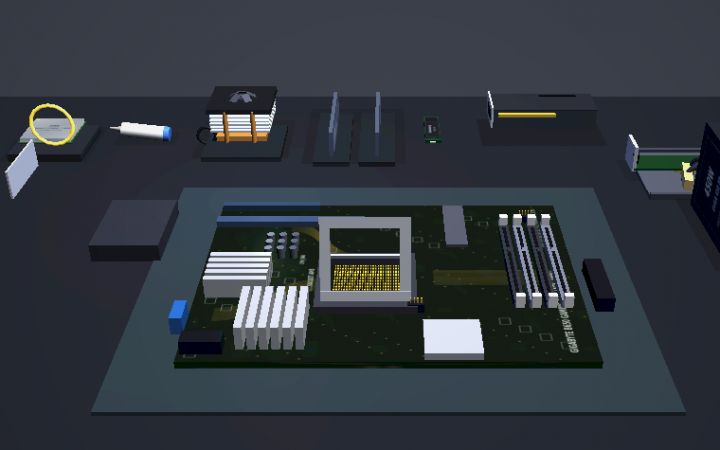 Hardware
PC Workshop
Pick the parts to a budget, build the machine, press the power button.
Hardware
PC Workshop
Pick the parts to a budget, build the machine, press the power button.
 Animation
Creature Lab
Design a creature, shape its body, then watch it come alive.
Animation
Creature Lab
Design a creature, shape its body, then watch it come alive.
 Music
Chime Lab
Balls bounce around a ring of pegs, and every peg they hit plays a note.
Music
Chime Lab
Balls bounce around a ring of pegs, and every peg they hit plays a note.
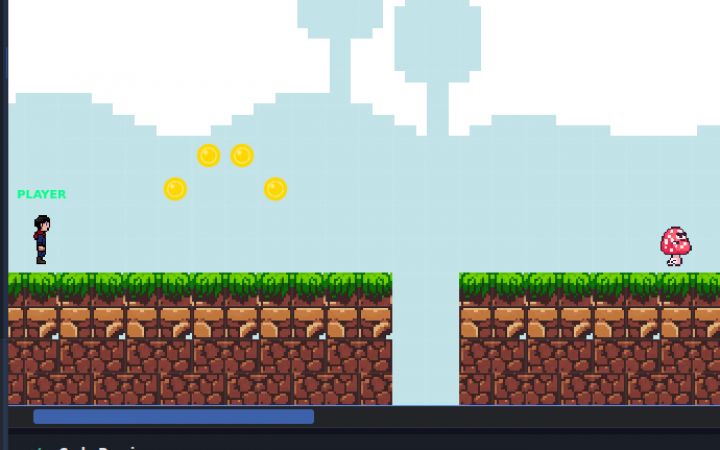 Game making
GameBuilder
Build a level, add coins and enemies, then play the game you made.
Game making
GameBuilder
Build a level, add coins and enemies, then play the game you made.
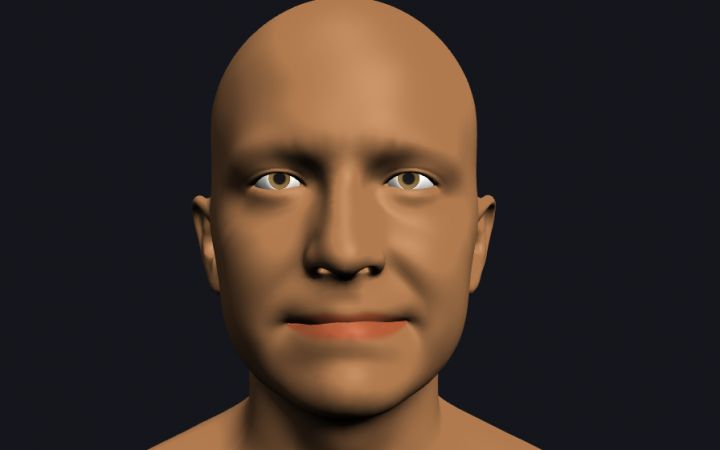 3D and VR
Face Lab
Push an average head along a few dozen sliders until it is a face.
3D and VR
Face Lab
Push an average head along a few dozen sliders until it is a face.
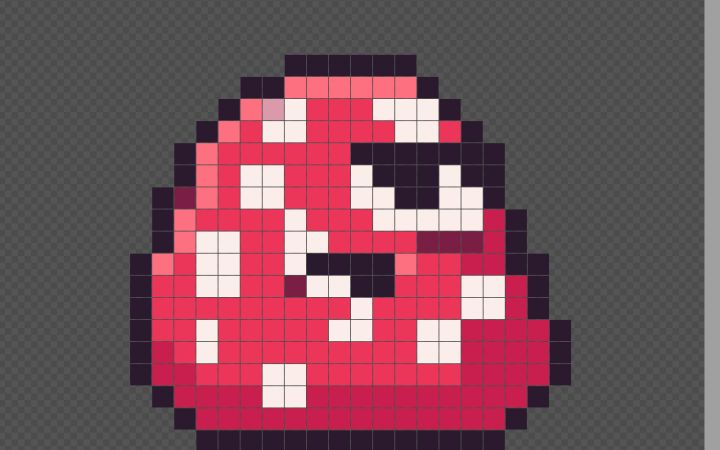 Art
PixelArt
Draw a character one square at a time, then make it walk.
Art
PixelArt
Draw a character one square at a time, then make it walk.
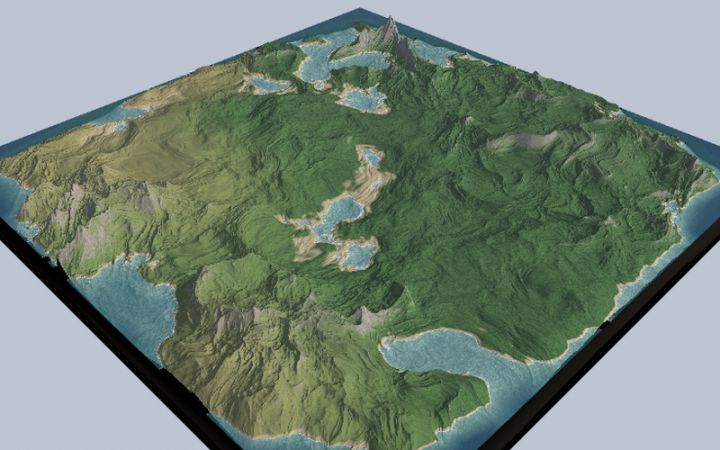 3D and VR
Terrain Studio
An island grown from one number, a seed, and a few rules about land.
3D and VR
Terrain Studio
An island grown from one number, a seed, and a few rules about land.
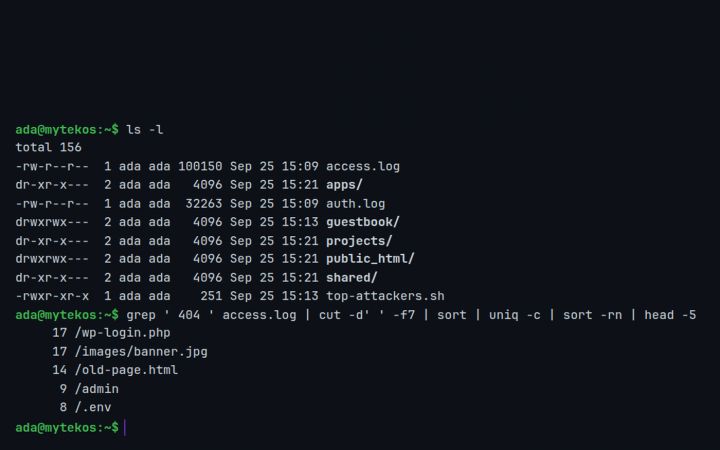 Computer science
Linux Terminal
A real command line, with a filesystem and logs, in a browser tab.
Computer science
Linux Terminal
A real command line, with a filesystem and logs, in a browser tab.
Most programs teach one thing, and a student outgrows it in a year. With 129 tools, the eight-year-old who arrives for pixel art is still here at sixteen designing networks.
Open a tool and something happens inside a minute.
 PixelArt
 BeatMaker
 MotionMaker
 GameBuilder
The tools stop being toys: parametric models, circuits, terrain, robots.
 BlocksCAD
 CircuitSim
 Terrain Studio
 BotForge
A Linux terminal, network design, logic gates, code without blocks.
 Python Lab
 OpenSCAD
 PC Workshop
Runs on whatever hardware you already have, including the Chromebook cart. Nothing to install, nothing for IT to maintain, one price for the whole room.
 Your school's Google admin can install it for everyone, which also lets students use Sign in with Google.
Teaching a subject rather than a tech class? There are projects for history, English, science, math, art and music.
Need something for ten minutes of class? 170+ short interactive lessons and simulations, from binary and encryption to subnetting and gear ratios, open with no account.
Make a free account and build something in the next ten minutes.


