Learning kitGrades 11-12
Computer science: game design and coding
Code a choice game that remembers
Brainstorm game for good scenarios, create an avatar, build a branching decision tree in Twine, code the game to remember the player's choices, then playtest it and improve it. Ages 16 to 18 or grades 11 and 12.
- Time
- About two hours, in two or three sittings
- Steps
- 5 steps, 2 of them in Twine
- You need
- A computer or Chromebook. Printing is optional: every step works on screen. No account needed.

The 5 steps
- 1Brainstorm game for good scenariosRead and quizGames can do good: teach a skill, change how people see a problem, or show them what they can do. Start with a problem you care about.
- 2Create an avatarPlan itYour avatar is the player's self in the game. Build one with four qualities: a go-getter, an innovator, a risk-taker and someone who leads others.
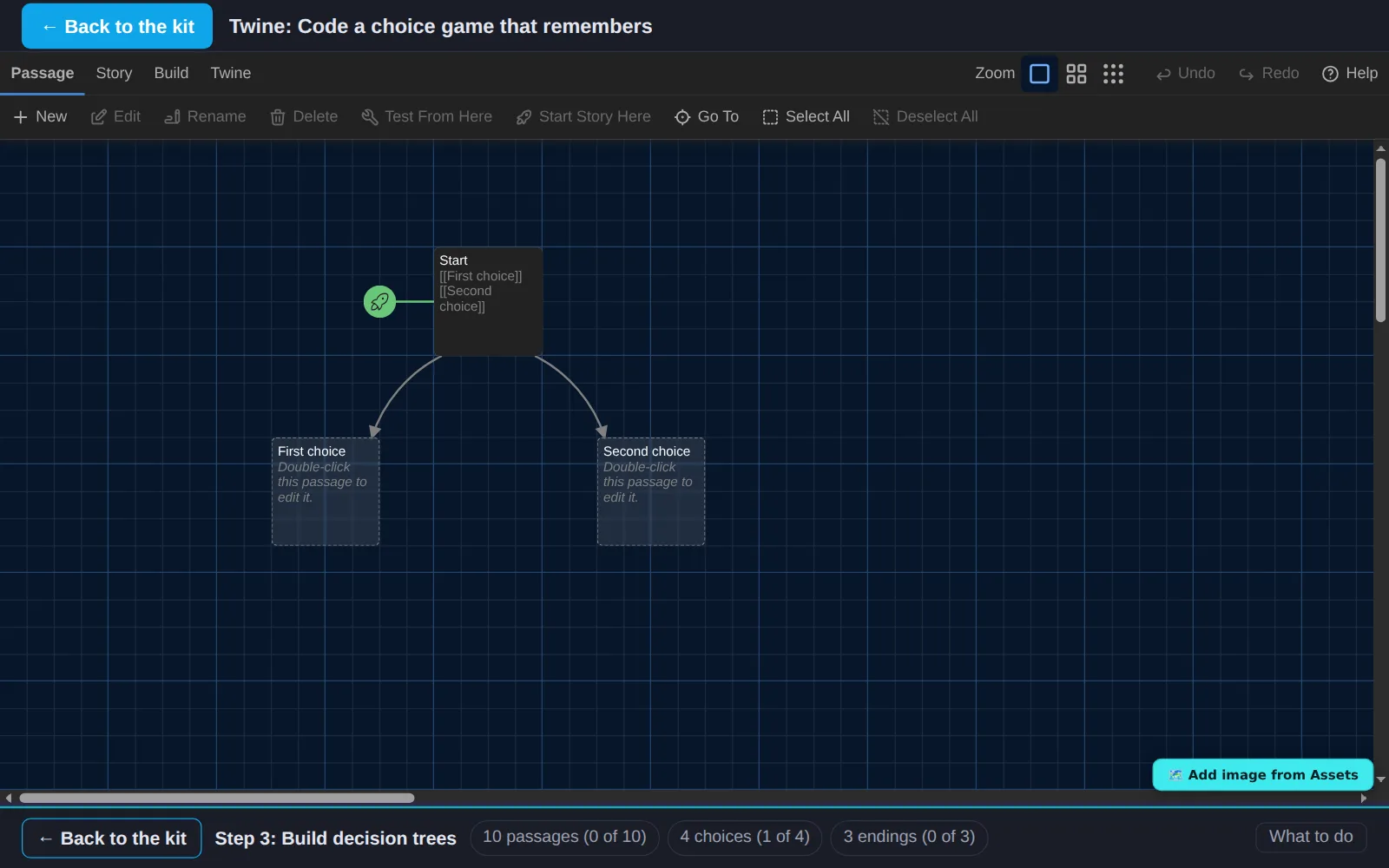
- 3Build decision treesIn TwineNow build the game's branches in Twine. Every passage is one screen; every link is a choice the player can make.
- 4Design your gameIn TwineMake it a game people want to play: a name, a look that fits the subject, and code that makes the game remember what the player chose.
- 5Playtest and iterateWith othersDesigners find out what works by watching people play. Playtest your game, then improve it from what you saw.
Work on a computer. The apps need a keyboard and a bigger screen than a phone: a laptop, desktop or Chromebook. You can pay here and open the emailed link on the computer.
One learner
Unlock the kit, $5
- All 5 steps, worked on screen, with a lesson you can print if you like paper
- Twine activities that check the work as it is done
- A numbered certificate with a page of the learner's own work: your game ideas, your character and your playtest notes
Have a discount code?
Co-ops and classes: unlock it for a group
One payment and one code. Each learner types the code to unlock the kit on their own computer, and gets their own certificate at the end. Your pack page shows who has started and finished.
See a sample certificate (PDF) · Already paid? Find your link