Learning kitGrades 9-10
Computer science: objects, data and apps
Code a community poll app
Ask your community a question and chart the answers, store each answer as an object, plan a bigger poll, analyze the results with code, then build a poll app where people vote with buttons and watch the chart change. Ages 14 to 16 or grades 9 and 10.
- Time
- About three hours, plus time to ask people your question
- Steps
- 5 steps, 4 of them in Glassbox
- You need
- A computer or Chromebook with a mouse or trackpad and a keyboard, and people to ask a question (family, friends, neighbors). Printing is optional: every step works on screen. No account needed.

The 5 steps
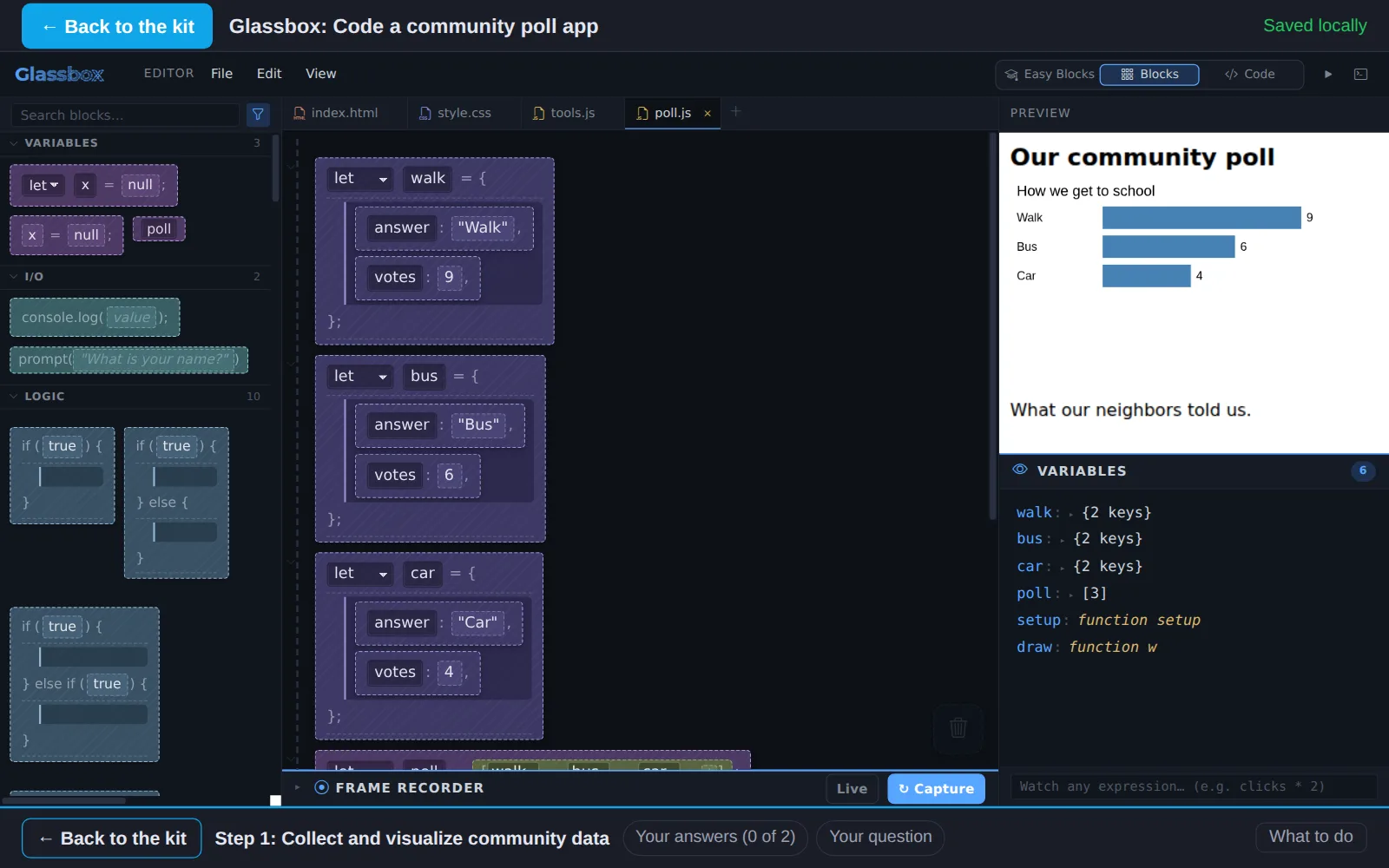
- 1Collect and visualize community dataIn GlassboxAsk a question to people around you, then put their answers into code and see them as a bar chart.
- 2Use objects to store dataIn GlassboxAn object keeps values that belong together in one place. Add a fourth answer as an object, add it to the poll, and give answers a color property.
- 3Make a data collection planPlan itPlan a bigger poll: one clear question, fair choices, more people, and a way to keep everyone's answers private.
- 4Analyze your dataIn GlassboxLet code find what the data says: the most popular answer and the total number of votes. Then look for what the numbers do not show.
- 5Create a social app prototypeIn GlassboxTurn your poll into an app people use together: a button for each answer, and a vote that changes the chart as soon as someone clicks.
Work on a computer. The apps need a keyboard and a bigger screen than a phone: a laptop, desktop or Chromebook. You can pay here and open the emailed link on the computer.
One learner
Unlock the kit, $5
- All 5 steps, worked on screen, with a lesson you can print if you like paper
- Glassbox activities that check the work as it is done
- A numbered certificate with a page of the learner's own work: your poll question and plan, what your results showed and your poll app
Have a discount code?
Co-ops and classes: unlock it for a group
One payment and one code. Each learner types the code to unlock the kit on their own computer, and gets their own certificate at the end. Your pack page shows who has started and finished.
See a sample certificate (PDF) · Already paid? Find your link