Learning kitGrades 6-8
Computer science: functions and arguments
Code a meme maker
Call functions with arguments to change a face and its captions, learn how memes spread and how to keep them kind, plan a meme function in pseudocode, write a drawMeme function anyone can reuse, then use it twice and share your meme. Ages 11 to 14 or grades 6 to 8.
- Time
- About two and a half hours, in two or three sittings
- Steps
- 5 steps, 4 of them in Glassbox
- You need
- A computer or Chromebook with a mouse or trackpad and a keyboard. Printing is optional: every step works on screen. No account needed.

The 5 steps
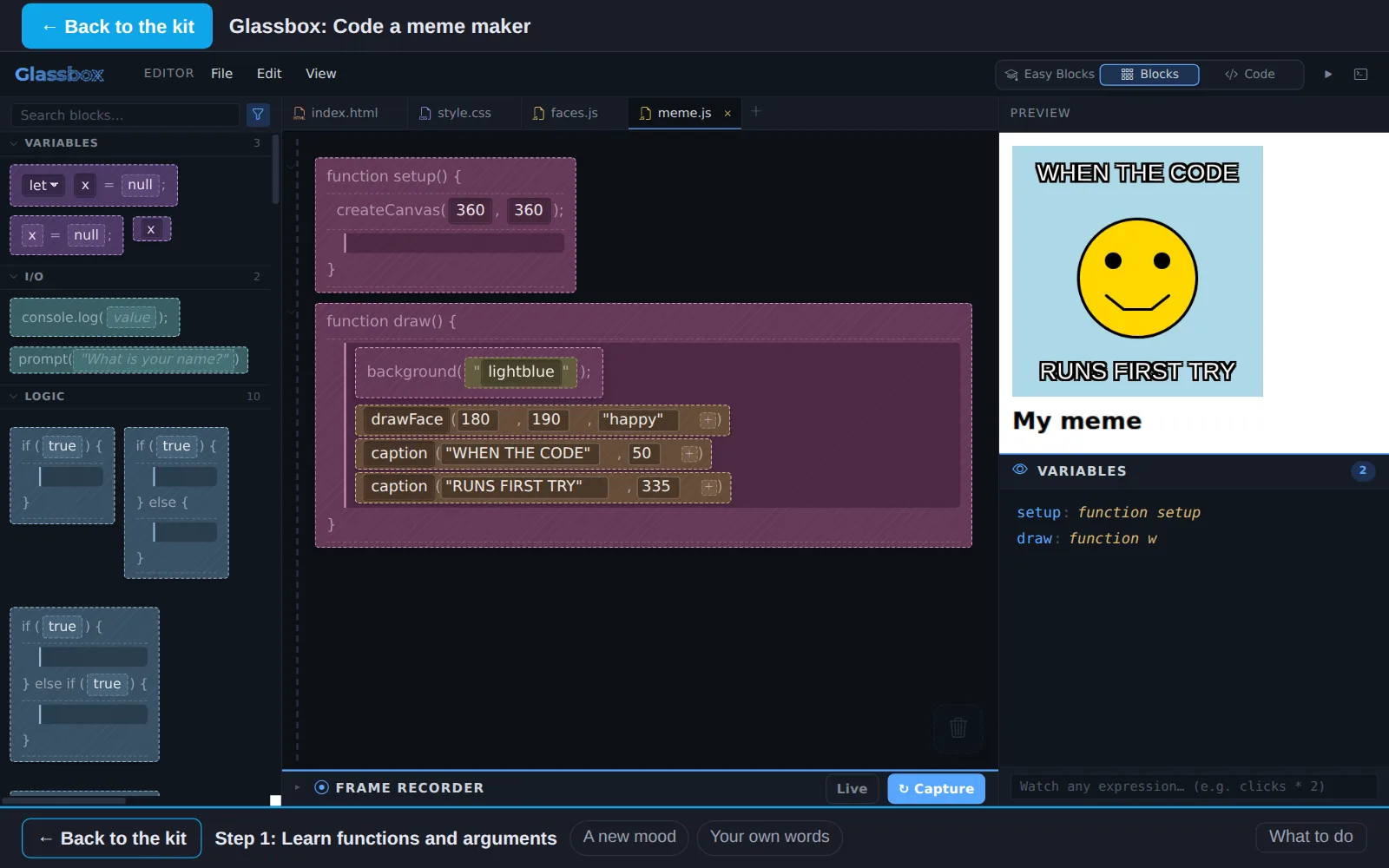
- 1Learn functions and argumentsIn GlassboxA function is a set of steps with a name. Calling it means running it: you write its name, then the arguments, the values it should use this time, inside ( ). Change the arguments and the same function makes something new.
- 2Explore how memes are madeRead and quizA meme is a picture people reuse with new words, so a joke spreads and changes as it goes. Learn how memes work and how to make ones that are kind.
- 3Write pseudocode for a memeIn GlassboxPseudocode is a plan in plain words, one step per line, written before the code. Write yours as comments in meme.js: notes for people that the computer skips.
- 4Create shareable codeIn GlassboxTurn your plan into a function anyone can reuse: drawMeme(top, bottom, mood). One call, and a whole meme appears.
- 5Share your memeIn GlassboxUse your function twice to make two memes, then share your meme with someone and talk about what makes it kind.
Work on a computer. The apps need a keyboard and a bigger screen than a phone: a laptop, desktop or Chromebook. You can pay here and open the emailed link on the computer.
One learner
Unlock the kit, $5
- All 5 steps, worked on screen, with a lesson you can print if you like paper
- Glassbox activities that check the work as it is done
- A numbered certificate with a page of the learner's own work: your meme idea, your pseudocode and who you shared your meme with
Have a discount code?
Co-ops and classes: unlock it for a group
One payment and one code. Each learner types the code to unlock the kit on their own computer, and gets their own certificate at the end. Your pack page shows who has started and finished.
See a sample certificate (PDF) · Already paid? Find your link