Learning kitGrades 6-8
Computer science: arrays and game design
Code a pixel avatar game
Design a pixel avatar, turn it into code with arrays, write an array for a game icon, plan a game scenario, then code a small game where your avatar moves with the arrow keys and collects the icon. Ages 11 to 14 or grades 6 to 8.
- Time
- About three hours, in two or three sittings
- Steps
- 5 steps, 4 of them in Glassbox
- You need
- A computer or Chromebook with a mouse or trackpad and a keyboard with arrow keys. Printing is optional: every step works on screen. No account needed.

The 5 steps
- 1Create an avatarPlan itAn avatar is the character that stands for the player in a game. Design yours as pixel art: a small grid where every square is one color.
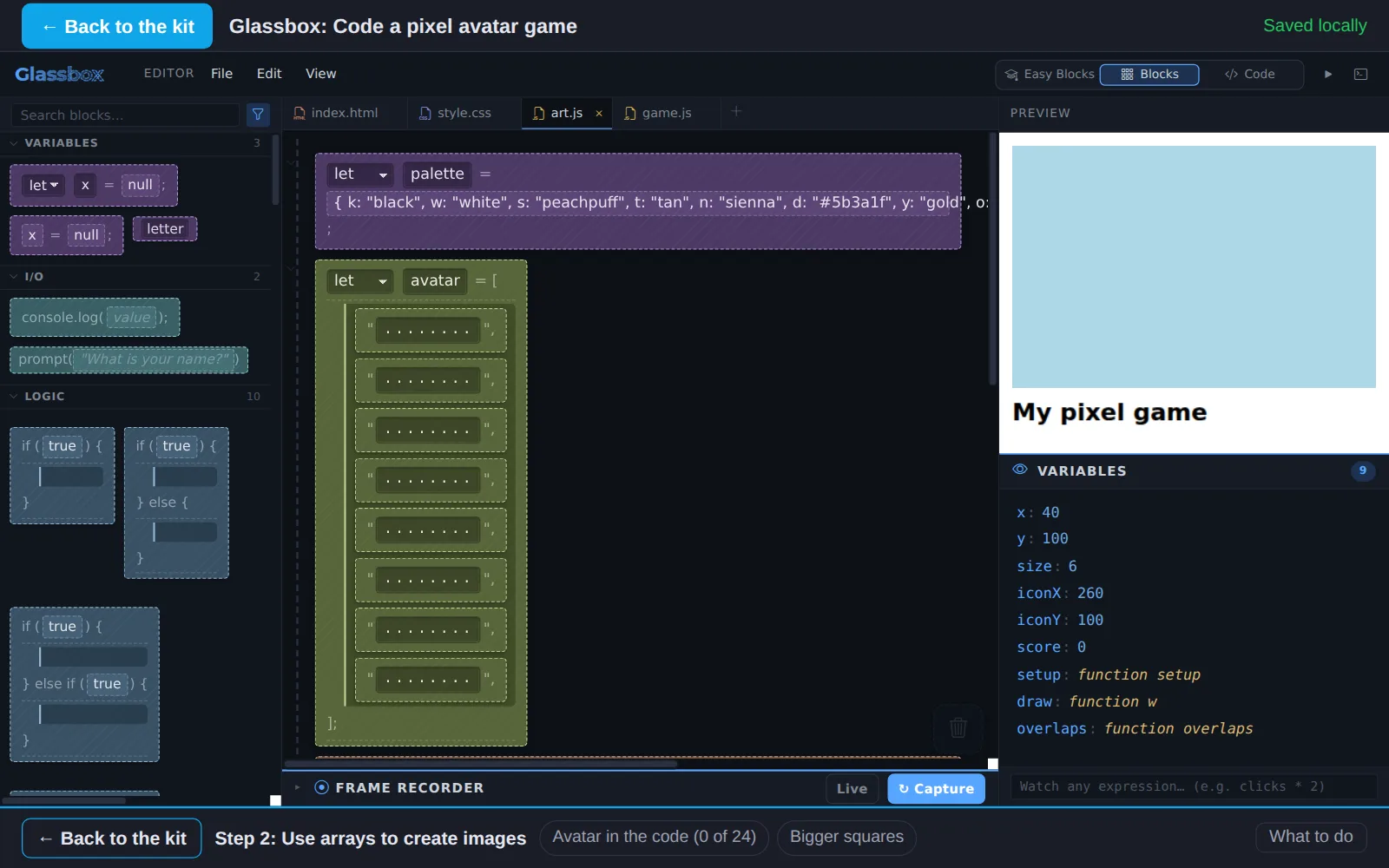
- 2Use arrays to create imagesIn GlassboxComputers store pictures as lists of numbers or letters. Put your avatar into code: an array of 8 rows, one letter for each pixel.
- 3Write an array for an iconIn GlassboxNow write an array from nothing: an icon for something your avatar collects, like a coin, a heart, a seed or a water drop.
- 4Develop a game scenarioIn GlassboxEvery game has a scenario: who the player is, where they are, what they try to do and what makes it hard. Write yours, then make your avatar move.
- 5Play your gameIn GlassboxMake it a game: when your avatar touches the icon, score a point and send the icon somewhere new. Then play it, and watch someone else play it.
Work on a computer. The apps need a keyboard and a bigger screen than a phone: a laptop, desktop or Chromebook. You can pay here and open the emailed link on the computer.
One learner
Unlock the kit, $5
- All 5 steps, worked on screen, with a lesson you can print if you like paper
- Glassbox activities that check the work as it is done
- A numbered certificate with a page of the learner's own work: your avatar plan, your game scenario and your playtest notes
Have a discount code?
Co-ops and classes: unlock it for a group
One payment and one code. Each learner types the code to unlock the kit on their own computer, and gets their own certificate at the end. Your pack page shows who has started and finished.
See a sample certificate (PDF) · Already paid? Find your link