Learning kitGrades 2-3
Computer skills
Computer expert: draw, discover and connect
Draw a picture with pixels in PixelArt, find cool facts about computers, take a safe trip online, connect with someone far away, and make a little animation for fun. Ages 7 to 8 or grades 2 to 3, with a grown-up nearby.
- Time
- About 75 minutes, in two or three short sittings
- Steps
- 5 steps, 2 of them in PixelArt
- You need
- A computer or Chromebook with a mouse or trackpad, and a grown-up for the online steps. Printing is optional: every step works on screen. No account needed.

The 5 steps
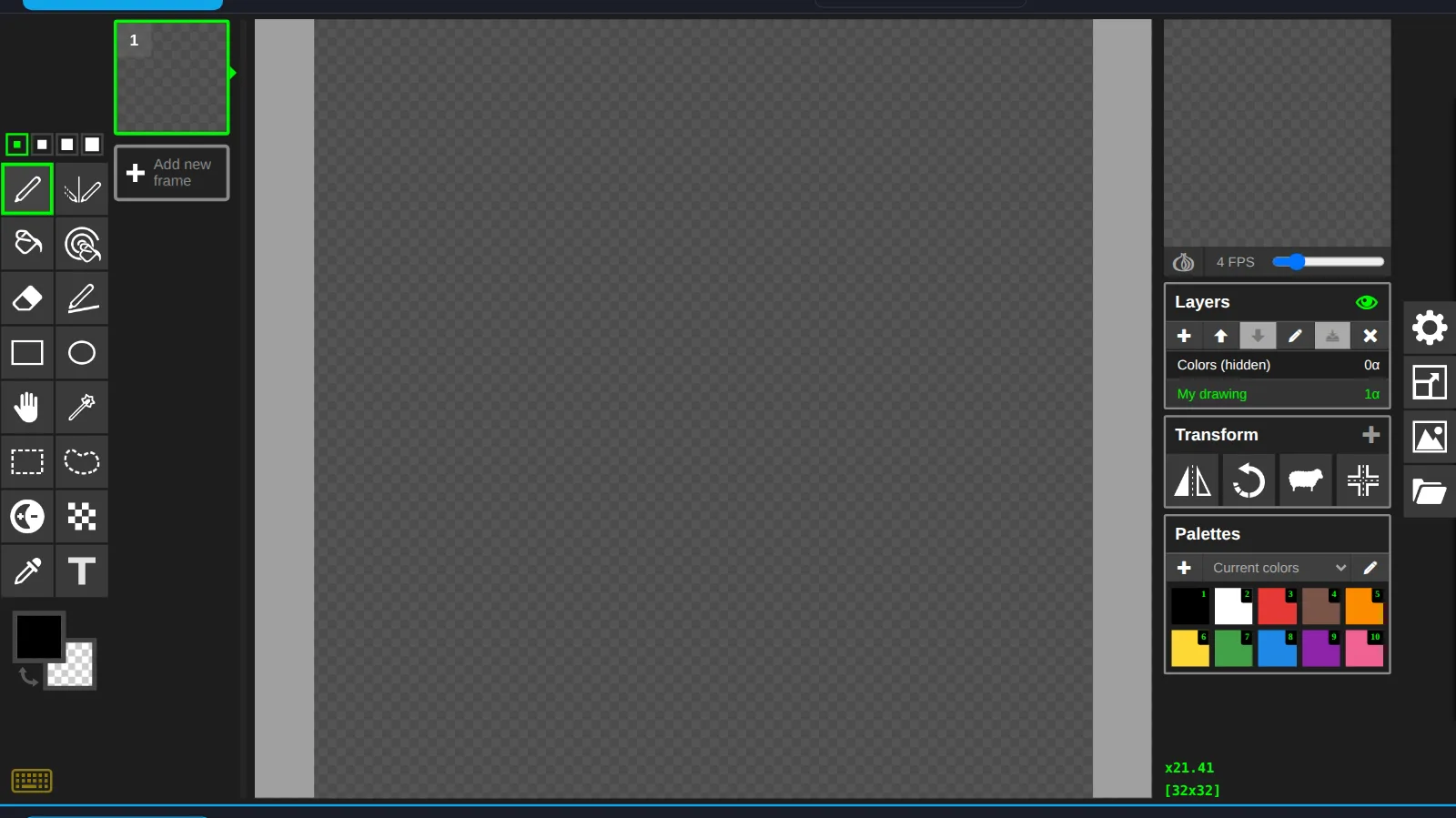
- 1Paint or draw with an art programIn PixelArtComputer pictures are made of tiny colored squares called pixels. Draw your own pixel picture in PixelArt.
- 2Find some cool factsRead and quizComputers are full of surprises. Here are some cool facts.
- 3Take a trip onlineInvestigateThe internet is like a huge library and playground. Here is how to visit it safely.
- 4Make a connectionConnectComputers help us stay close to people far away.
- 5Have some computer funIn PixelArtMake your pixel picture move! An animation is a few pictures shown one after another, fast.
Work on a computer. The apps need a keyboard and a bigger screen than a phone: a laptop, desktop or Chromebook. You can pay here and open the emailed link on the computer.
One learner
Unlock the kit, $5
- All 5 steps, worked on screen, with a lesson you can print if you like paper
- PixelArt activities that check the work as it is done
- A numbered certificate with a page of the learner's own work: your computer facts, your connection and your notes
Have a discount code?
Co-ops and classes: unlock it for a group
One payment and one code. Each learner types the code to unlock the kit on their own computer, and gets their own certificate at the end. Your pack page shows who has started and finished.
See a sample certificate (PDF) · Already paid? Find your link