Learning kitGrades 11-12
Computer science: robotics
Program a maze-solving robot
Learn how robots sense, think and act, design a motorized robot's body in a browser robotics configurator, trace how inputs, a controller and outputs work together, plan a maze and a rule that solves any simple maze, then program a simulated robot with a distance sensor and a light sensor to find its own way out. Ages 16 to 18 or grades 11 to 12.
- Time
- About 2 hours, in two sittings
- Steps
- 5 steps, 2 of them in Robotics
- You need
- A computer or Chromebook with a mouse or trackpad. Building a real motorized model in step 2 is optional: a small DC motor, a battery pack, wire, tape and cardboard or recycled parts. No account needed.

The 5 steps
- 1Learn about robotsRead and quizRobots beat people at fast, repetitive, precise work, and people beat robots at anything new. Both come down to sense, think, act.
- 2Build a robot model: motorized robotIn RoboticsA robot's body decides what it can do: how big it is, how its motors drive the wheels, where its sensors look. Design one in the Configurator, then see it on the floor.
- 3Explore the way robotics systems work togetherRead and quizInputs, a controller and outputs only make a robot when they work as one loop. Follow a single decision through all three.
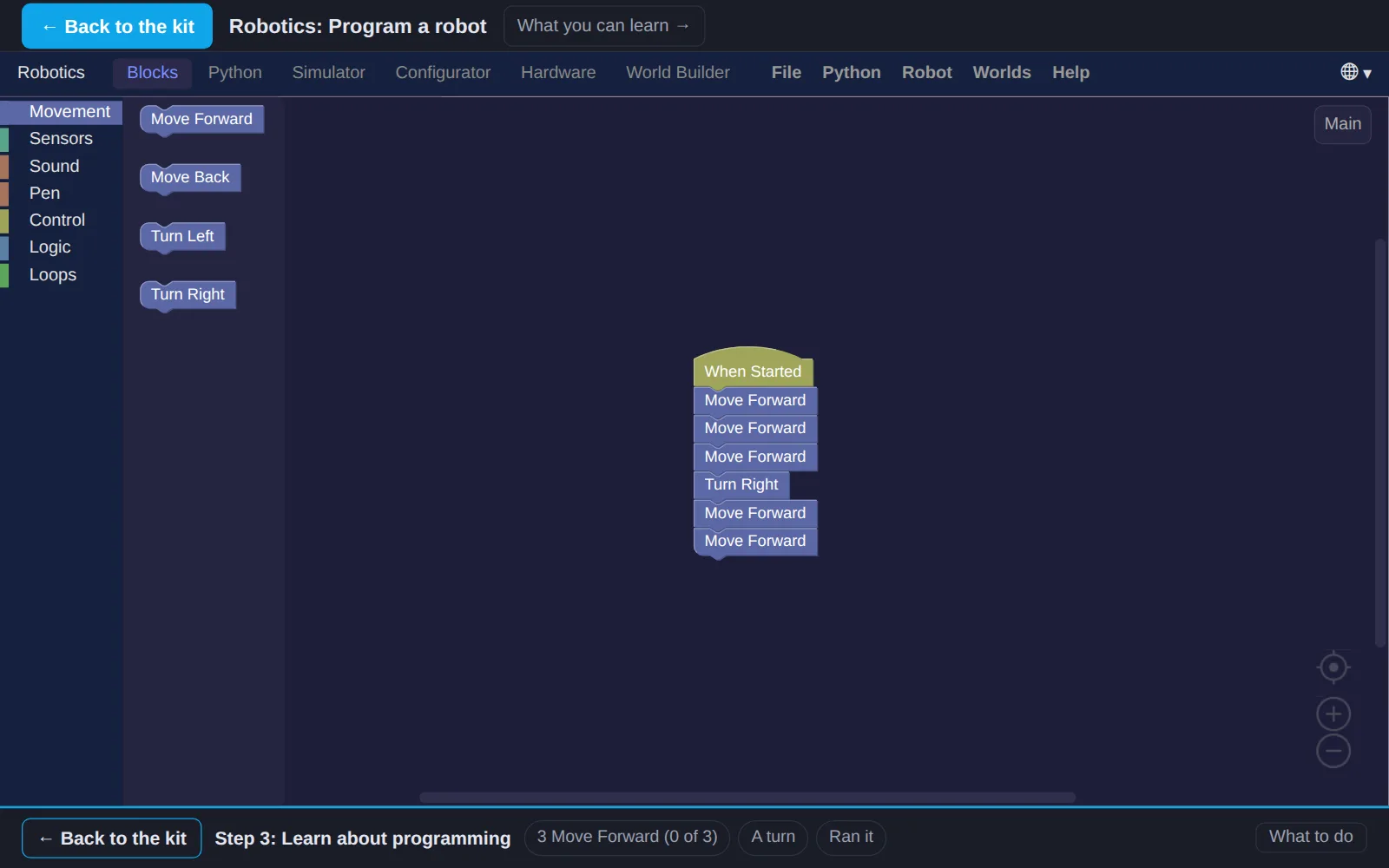
- 4Learn about programmingMaze planPrograms that work once are easy. The real test is one that solves any simple maze. Plan a maze, then a rule that does not depend on knowing it.
- 5Write a program for a robotIn RoboticsTurn the right-hand rule into a program. The robot does not know this maze: it only feels walls with its distance sensor and sees the black goal square with its light sensor.
Work on a computer. The apps need a keyboard and a bigger screen than a phone: a laptop, desktop or Chromebook. You can pay here and open the emailed link on the computer.
One learner
Unlock the kit, $5
- All 5 steps, worked on screen, with a lesson you can print if you like paper
- Robotics activities that check the work as it is done
- A numbered certificate with a page of the learner's own work: your maze plan, your pseudocode and your robot's program
Have a discount code?
Co-ops and classes: unlock it for a group
One payment and one code. Each learner types the code to unlock the kit on their own computer, and gets their own certificate at the end. Your pack page shows who has started and finished.
See a sample certificate (PDF) · Already paid? Find your link