Learning kitGrades 4-5
Computer science: robotics
Program a robot
Find out how robots sense, think and act, act out a program on a paper map, then program a robot in a browser simulator: drive it to a target, draw a square with its pen, and stop it before a wall with its distance sensor. Ages 9 to 11 or grades 4 to 5.
- Time
- About 90 minutes, in two or three sittings
- Steps
- 5 steps, 3 of them in Robotics
- You need
- A computer or Chromebook with a mouse or trackpad, and a friend or grown-up for step 2. Printing is optional: every step works on screen. No account needed.

The 5 steps
- 1Learn how robots workRead and quizA robot is a machine that senses the world, decides what to do, and then acts. Robots vacuum floors, build cars, explore Mars and help doctors.
- 2Learn about the robot brainBe the robotA robot's brain does exactly what its program says, in order, and nothing else. Try it: draw a map, write the commands, and have someone follow them like a robot.
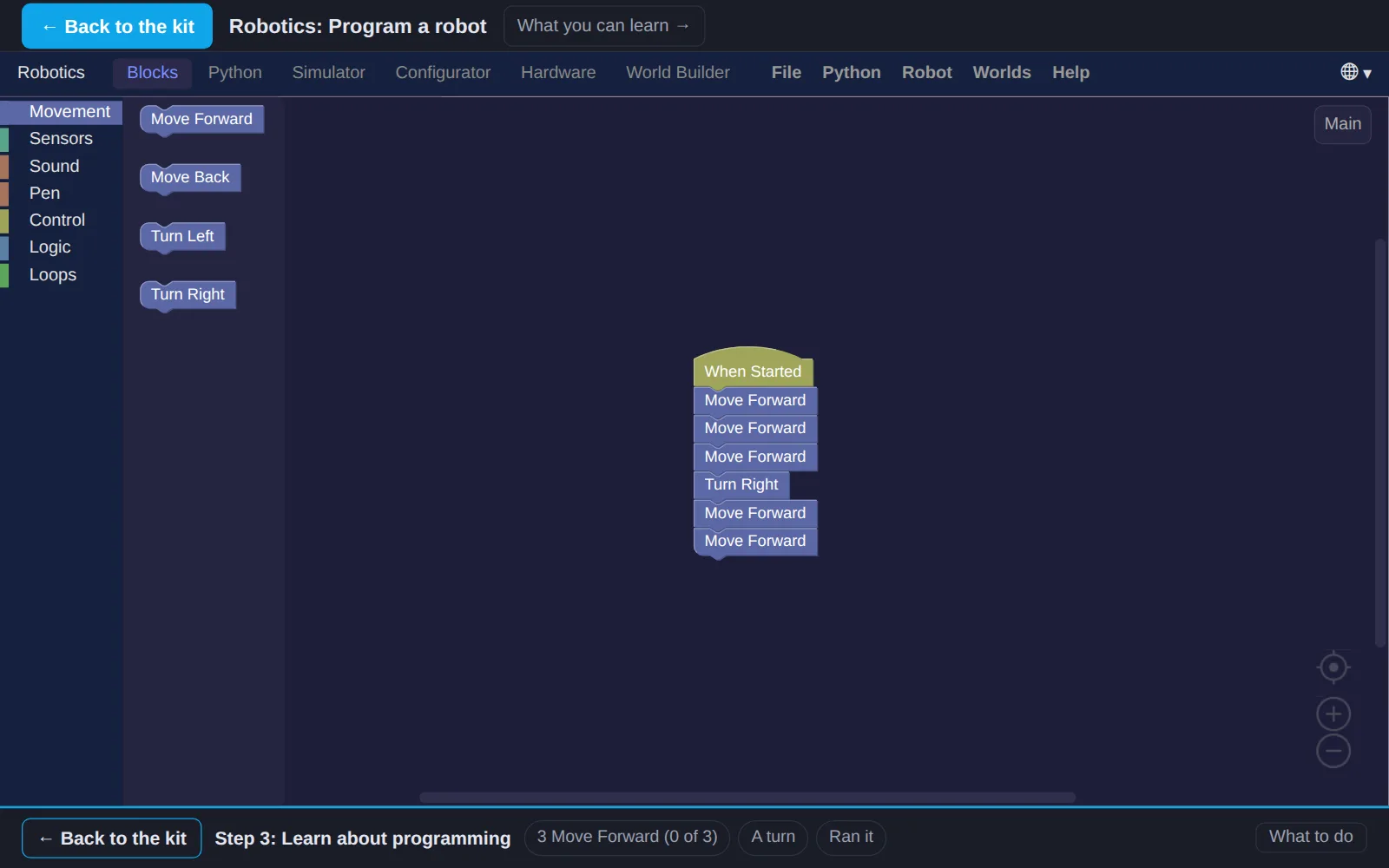
- 3Learn about programmingIn RoboticsNow program a real robot, in a simulator. Snap blocks together to tell it where to go, then run the program and watch it drive.
- 4Try simple programmingIn RoboticsRobots repeat things. Program the robot to draw a square with its pen, then make the program shorter with a loop.
- 5Code a robotIn RoboticsNow give the robot a sense. Its distance sensor sees how far away the wall is. Program it to keep moving while the wall is far, and stop before it bumps.
Work on a computer. The apps need a keyboard and a bigger screen than a phone: a laptop, desktop or Chromebook. You can pay here and open the emailed link on the computer.
One learner
Unlock the kit, $5
- All 5 steps, worked on screen, with a lesson you can print if you like paper
- Robotics activities that check the work as it is done
- A numbered certificate with a page of the learner's own work: your robot map, your commands and your notes
Have a discount code?
Co-ops and classes: unlock it for a group
One payment and one code. Each learner types the code to unlock the kit on their own computer, and gets their own certificate at the end. Your pack page shows who has started and finished.
See a sample certificate (PDF) · Already paid? Find your link