Learning kitGrades 6-8
Computer science: cybersecurity
Think like a hacker, defend like a pro
Crack codes and hack a password in CryptoLab, see why two-step login stops a stolen password, sit in the middle of a fake cafe Wi-Fi and read what it catches, and spot the tricks social engineers use. Ages 11 to 14 or grades 6 to 8.
- Time
- About 2 hours, in two sittings
- Steps
- 5 steps, 2 of them in CryptoLab
- You need
- A computer or Chromebook with a keyboard. Printing is optional: every step works on screen. No account needed.

The 5 steps
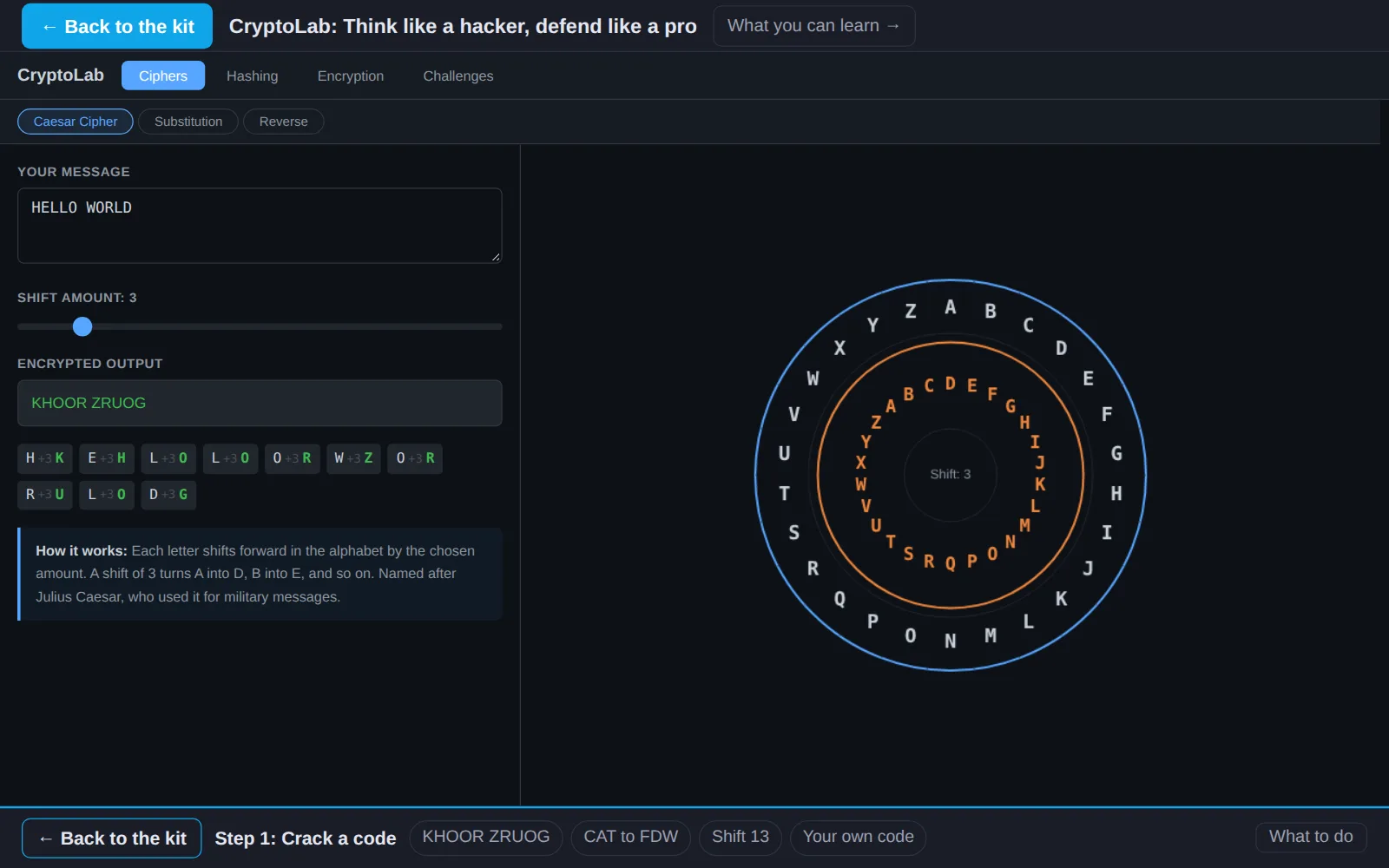
- 1Crack a codeIn CryptoLabCodes hide messages from anyone without the key. Crack three in CryptoLab, then make one of your own and see why a shift cipher would not protect anything today.
- 2Hack a passwordIn CryptoLabThink like an attacker to learn how to defend. Websites store a scrambled fingerprint of your password, called a hash. Attackers try common passwords until a fingerprint matches.
- 3Explore two-factor authenticationRead and investigateA password is one lock. Two-factor authentication adds a second, so a stolen password alone is not enough.
- 4Launch a Man-in-the-Middle attackTry it hereIn a man-in-the-middle attack, someone gets between you and the site you are talking to and reads or changes the messages. Play it out in a cafe on the network below.
- 5Explore social engineeringInvestigateSocial engineering means hacking people instead of computers: tricking someone into handing over a password, a code or access.
Work on a computer. The apps need a keyboard and a bigger screen than a phone: a laptop, desktop or Chromebook. You can pay here and open the emailed link on the computer.
One learner
Unlock the kit, $5
- All 5 steps, worked on screen, with a lesson you can print if you like paper
- CryptoLab activities that check the work as it is done
- A numbered certificate with a page of the learner's own work: your secret code, your password rules, your notes on the attack, and your warning sign
Have a discount code?
Co-ops and classes: unlock it for a group
One payment and one code. Each learner types the code to unlock the kit on their own computer, and gets their own certificate at the end. Your pack page shows who has started and finished.
See a sample certificate (PDF) · Already paid? Find your link